THE FUTURE OF PIANO
Master Piano in Mixed Reality
Learn your favorite songs in the shortest time possible
Features
Piano closer than ever
Explore the features that make Mixed Reality feel effortless.


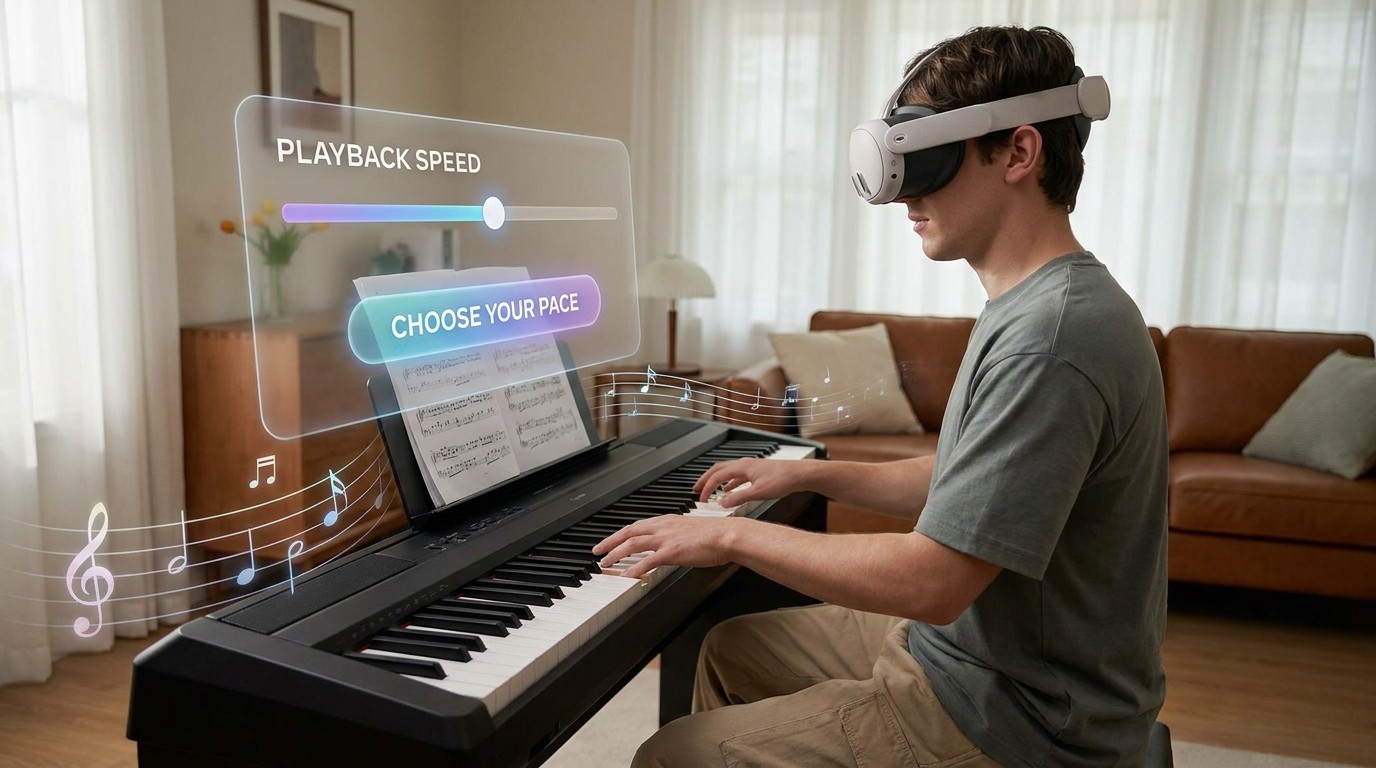
Practice your way
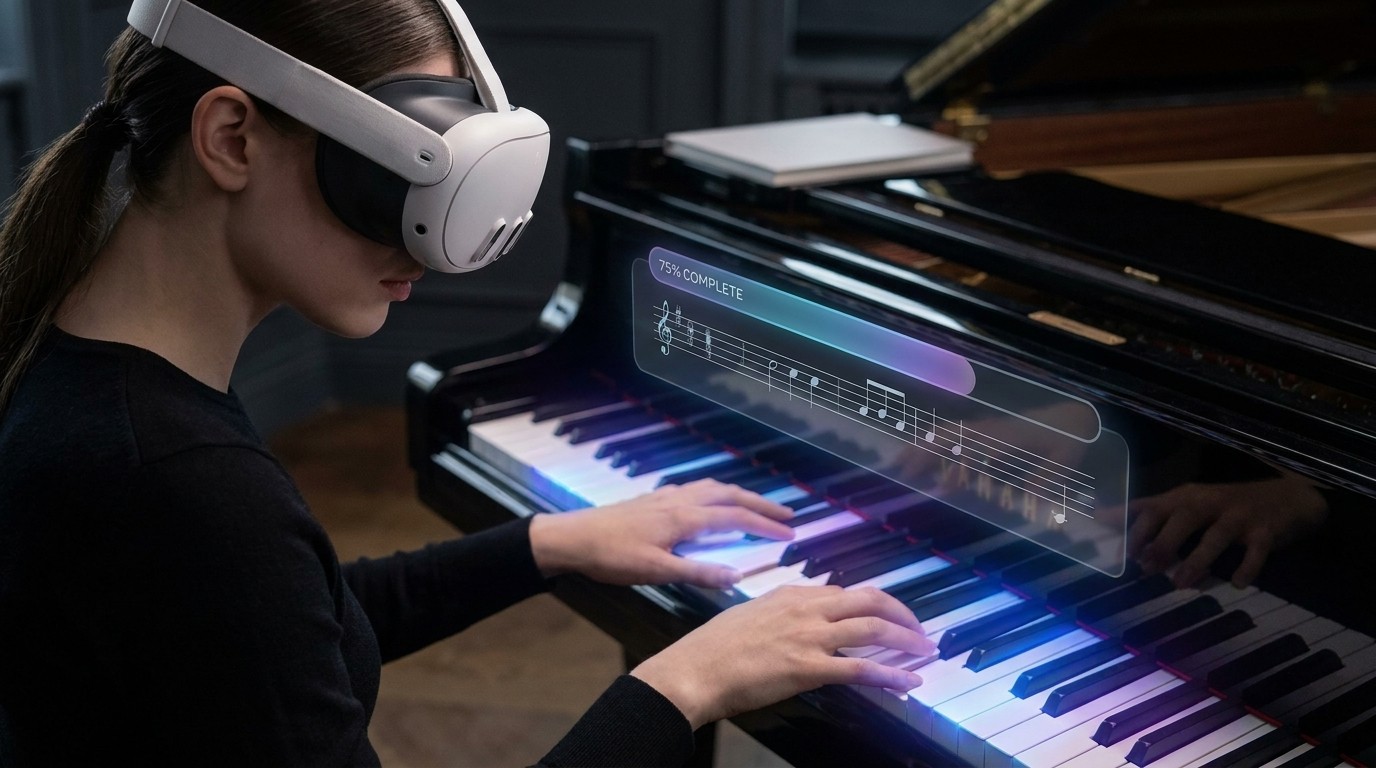
Transform your physical space into the ultimate interactive piano studio. Customize visuals, tempo, and learning tools to build an environment that matches your exact skill level and practice style.
Virtual Finger Guide
Follow direct lines from finger to note.
Highlight Keys
See incoming notes directly on your real keys.
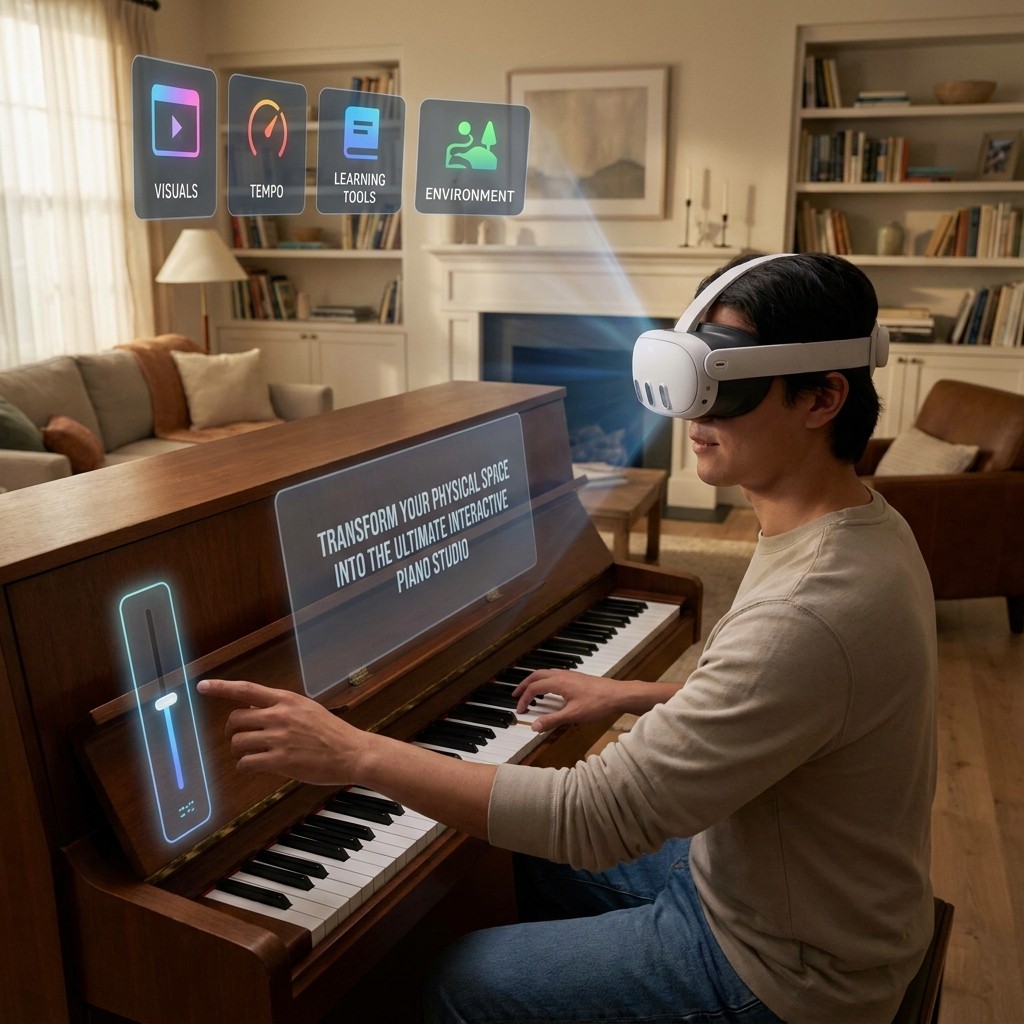


A virtual keyboard
Play and learn wherever you want, no matter where you are. You don’t even need your own piano.
Real-Time Haptics & Visuals
High-precision tracking and dynamic visual feedback make playing on virtual keys feel natural.
Sound You Can See

Learning Path
Learn piano step by step
Read notes, build technique, and turn every lesson into visible progress.
Learn to read music
Start with note names, rhythm, and keyboard orientation through short guided lessons.
01
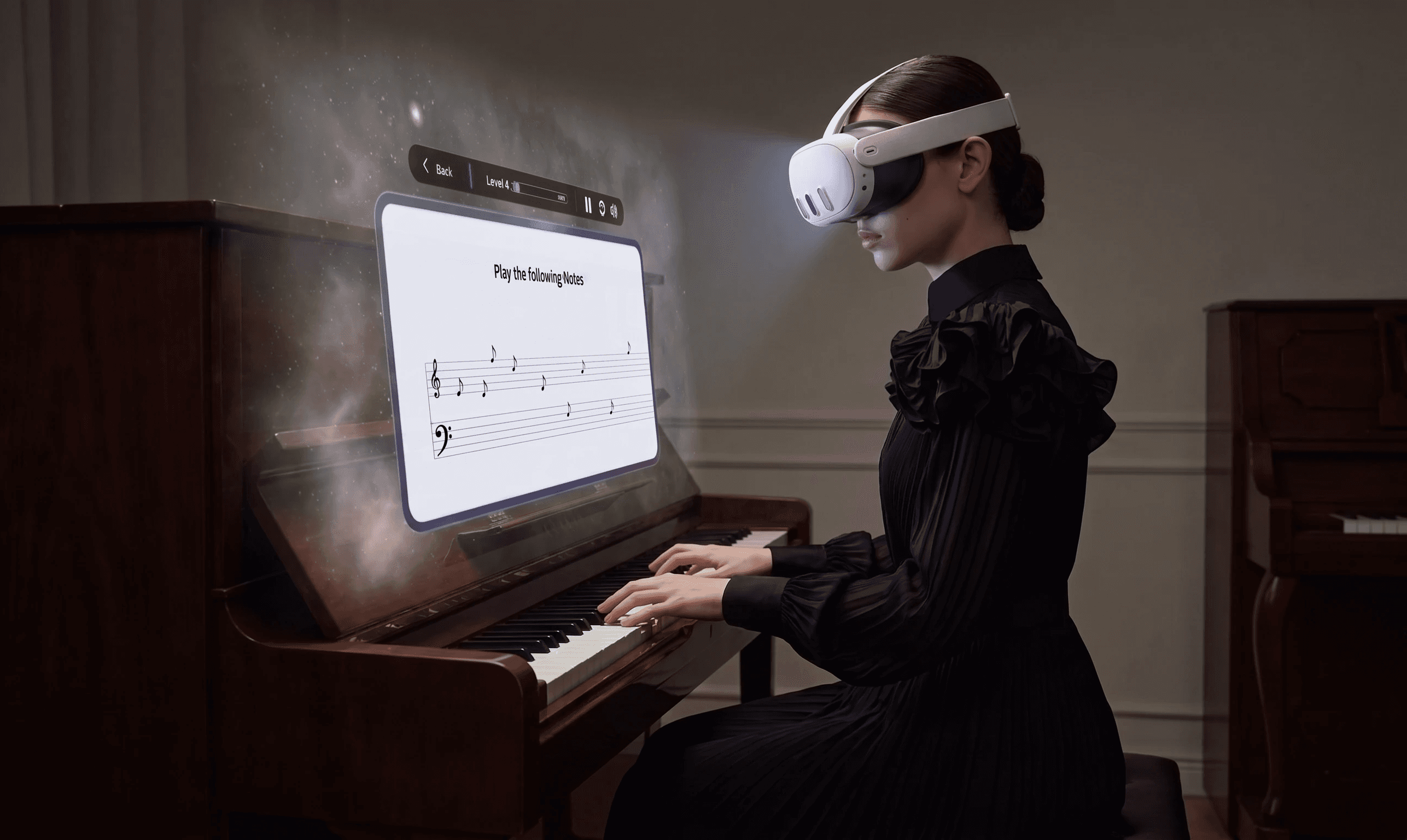
Practice one skill at a time
Interactive exercises turn every lesson into clear tasks you can repeat at your own pace.
02
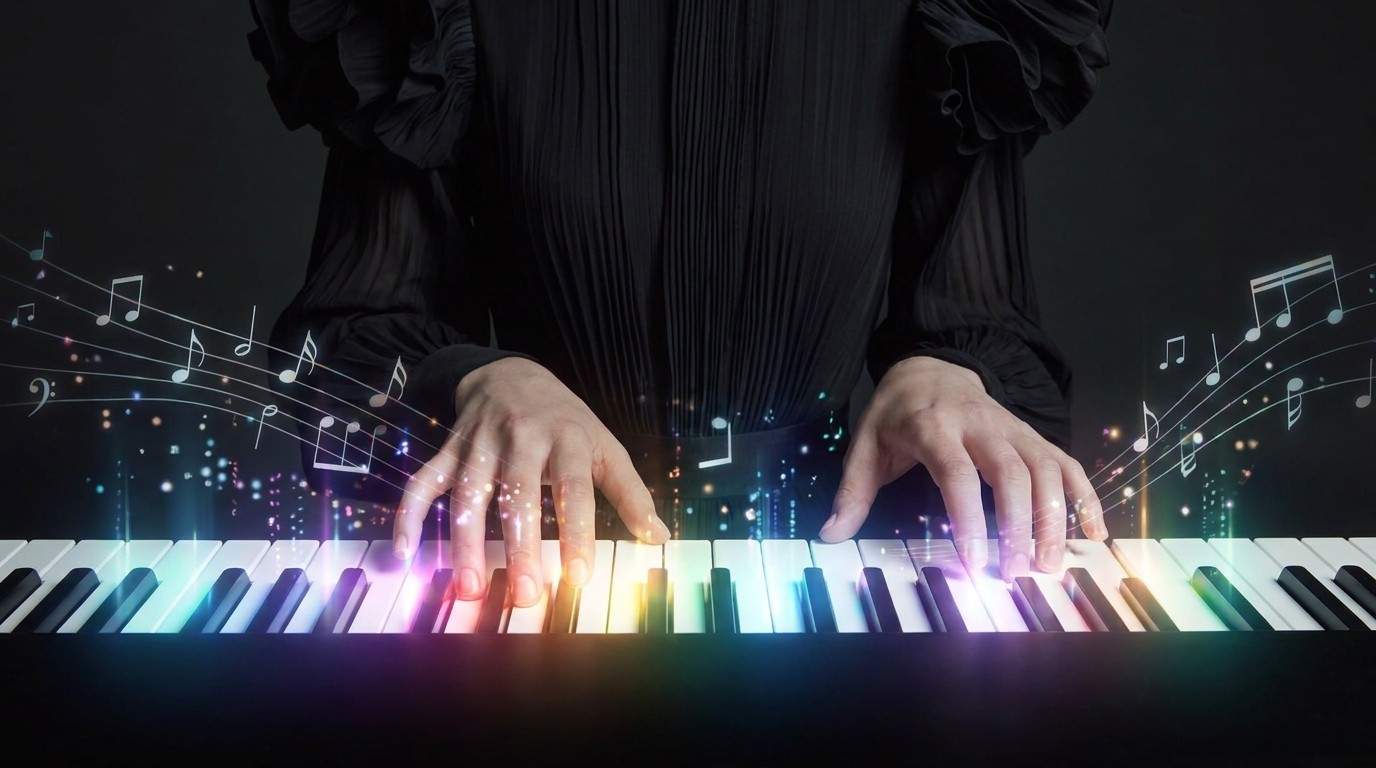
See your progress
Complete lessons, strengthen weak areas, and unlock the next course as your playing improves.
03
Your questions, answered
Whether you’re a new client or a long-time partner, we’re here to help. Below are answers to the most common questions.
Enable hand tracking to use all the features.
First, enable “Hand Tracking” in the Oculus settings. Then place the controllers out of sight or with the Quest 3 ring facing down. Your hands should be detected automatically in front of the camera and glow purple.